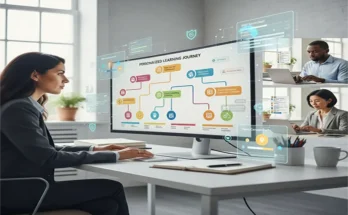
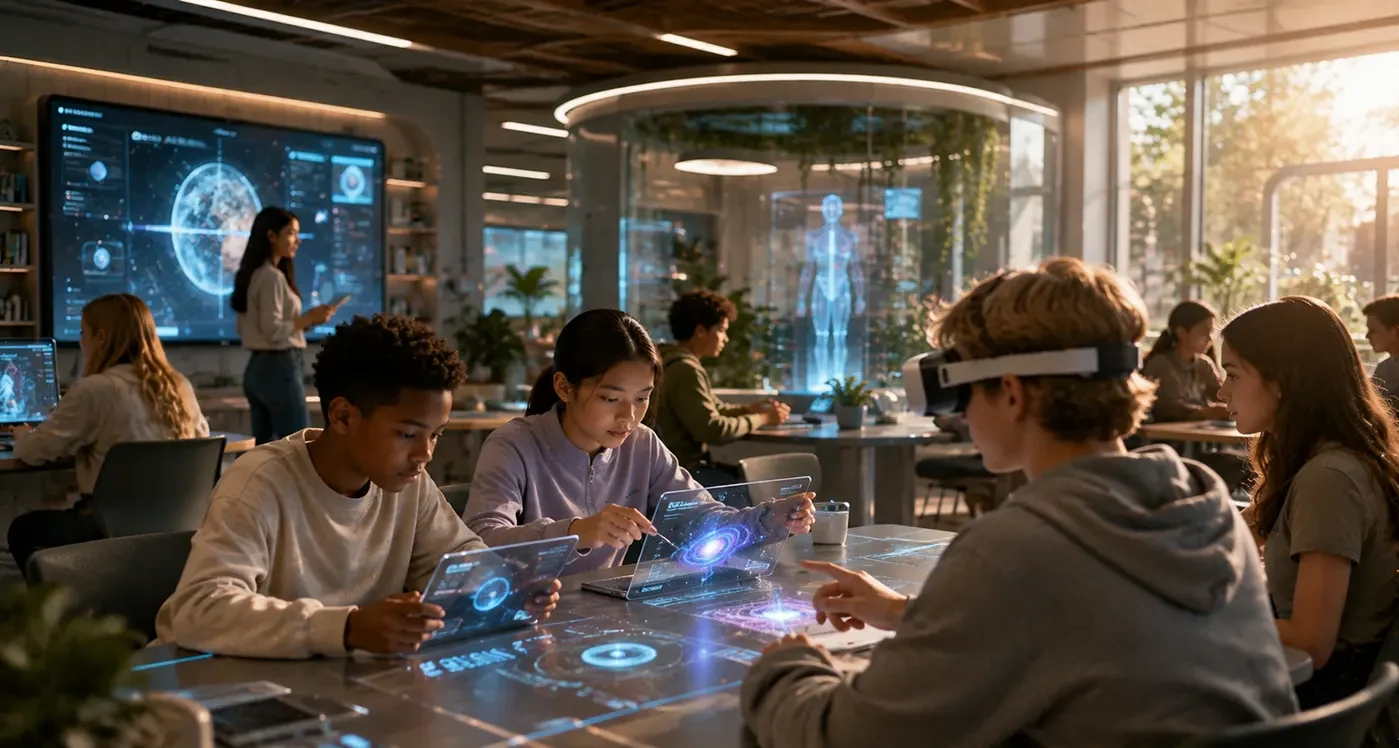
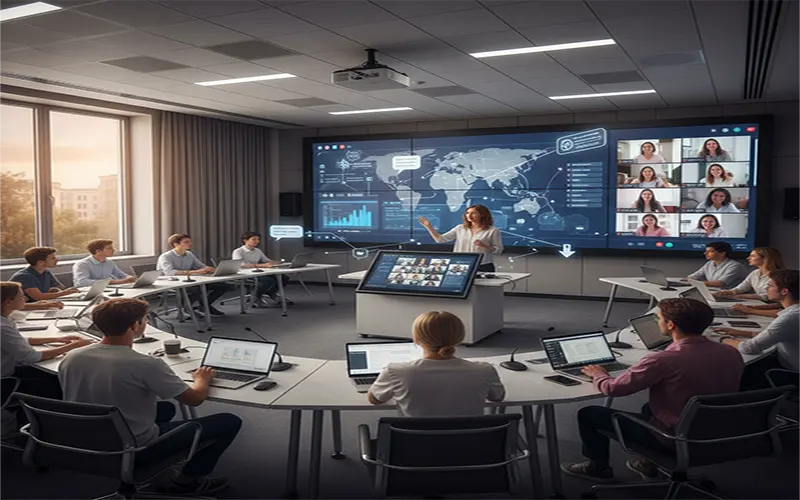
The university classroom of 2026 is no longer defined by four walls and a chalkboard. It is a fluid, “phygital” environment where the line between physical presence and digital participation has blurred. As higher education stabilizes after years of rapid digital transformation, the challenge has shifted from “how do we stream a lecture?” to “how do we create pedagogical parity?”
Participation Equity is the new gold standard. It is the intentional design of learning experiences where a student sitting in the back row of a lecture hall and a student logging in from a different continent have the exact same opportunity to engage, contribute, and succeed. Achieving this requires a move away from “emergency remote teaching” toward a sophisticated, research-based digital pedagogy.
1. The HyFlex Model: Flexibility as a Foundation
The most resilient strategy for modern universities is the HyFlex (Hybrid-Flexible) model. In this framework, every class session is offered in-person, synchronously online, and asynchronously online.
The power of HyFlex lies in student agency. A student might attend in person for a complex lab but choose the asynchronous path during a week when they are balancing a part-time internship. To make this work, instructors must design “equivalent” rather than “identical” experiences. If the in-person group has a live debate, the asynchronous group must have a structured video-based discussion (using tools like VoiceThread or Flip) that achieves the same learning outcomes.
2. Synchronous Engagement: Bridging the “Distance” Gap
The greatest risk in a hybrid room is the “ghost student”—the remote participant who remains muted and invisible. To solve this, digital pedagogy must prioritize active synchronous engagement.
- The Backchannel Revolution: Implementing a dedicated backchannel (via Slack, Discord, or Microsoft Teams) allows for a continuous stream of non-verbal participation. Remote students can post questions, share relevant links, or use “reacts” to gauge sentiment without interrupting the flow of a lecture. In-person students should be encouraged to join this backchannel on their devices, effectively merging the two audiences into one digital conversation.
- Collaborative Digital Whiteboarding: Move away from physical whiteboards that remote students can barely see through a webcam. Instead, use infinite canvases like Miro, Lucidspark, or FigJam. When every student—physical and remote—is moving digital sticky notes and drawing diagrams on the same shared board, the “geographic distance” vanishes.
3. The “Flipped” Hybrid Approach
In a hybrid world, the “Sage on the Stage” model is increasingly inefficient. If a professor spends 60 minutes lecturing to a camera, the remote audience will inevitably experience “Zoom fatigue.”
The best digital pedagogy strategy is to flip the hybrid classroom.
- Asynchronous Input: Deliver core content (lectures, readings, AI-guided tutorials) before the session.
- Synchronous Application: Use the “live” time for high-stakes collaborative problem-solving.
During the live session, the instructor acts as a facilitator. You might break the class into “Mixed Reality Pods”—small groups consisting of two in-person students and one remote student (connected via a tablet or laptop at the desk). This forces cross-modality collaboration and ensures remote students are integrated into the social fabric of the class.
Active vs. Passive Hybrid Techniques
| Passive Technique (To Avoid) | Active Digital Pedagogy (To Adopt) |
| Recording a 90-minute lecture in one take. | Breaking content into 10-minute “Micro-lectures” with embedded quizzes. |
| Asking “Any questions?” to a silent room/screen. | Using Mentimeter or Slido for anonymous, real-time polling. |
| Physical handouts given only to in-person students. | A “Digital-First” repository (Canvas/Blackboard) for all materials. |
| Group work separated by modality (Online vs. In-person). | Modality-Mixed Groups using shared cloud documents (Google Docs/M365). |
4. Authentic Assessment: Moving Beyond the Proctor
High-stakes, proctored exams are often the “weak link” in hybrid education, leading to concerns about academic integrity and digital inequity. Leading digital pedagogies are moving toward Authentic Assessment.
Instead of a multiple-choice test, students might produce:
- Digital Portfolios: A curated collection of work demonstrating mastery over time.
- Simulations and Virtual Labs: Using platforms like Labster to test practical skills in a controlled digital environment.
- Peer-Review Workflows: Using AI-assisted tools like Kritik to engage students in the evaluation process, which reinforces their own understanding of the grading rubric and the subject matter.
5. Overcoming the “Hidden” Barriers
Effective digital pedagogy must account for the Human Factor.
- Cognitive Load: Hybrid environments are taxing for the instructor. Universities should provide “Teaching Assistants for Tech” or “Digital Moderators” whose sole job is to monitor the chat and ensure remote students are heard.
- Hardware Parity: “Acoustic equity” is vital. If the remote student can’t hear the questions asked by in-person students, they are effectively excluded. Classrooms must be equipped with omnidirectional microphones and large-scale displays that show remote “tiles” at eye level.
- Digital Literacy: Never assume students (or faculty) know how to use the tools. Every course should begin with a “Tech-Check” module to level the playing field.
Expert Tip: Follow the “Remote-First” Rule. If you design your activity so that it works perfectly for a student in a coffee shop three states away, it will almost certainly work for the student sitting three feet in front of you.
Faculty Checklist for Hybrid Success
Before every session, ensure these five elements are in place:
- [ ] The Digital Anchor: Is there a single URL where all students (Remote/In-person) start their journey?
- [ ] The Audio Bridge: Can the remote students hear the entire room, not just the lecturer?
- [ ] The Shared Workspace: Do you have a collaborative document or board ready for group work?
- [ ] The “Pause” Points: Have you scheduled “Chat Checks” every 15 minutes to address the backchannel?
- [ ] The Asynchronous Backup: If the internet fails, is there a clear path for students to catch up later?
The Campus Without Walls
The future of the university is not a choice between “online” or “on-campus.” It is a sophisticated synthesis of both. By embracing digital pedagogy—prioritizing participation equity, flipping the classroom, and utilizing collaborative canvases—we can create a learning environment that is more inclusive, flexible, and global than ever before. The hybrid classroom isn’t just a solution for a crisis; it is the blueprint for a truly modern education.