

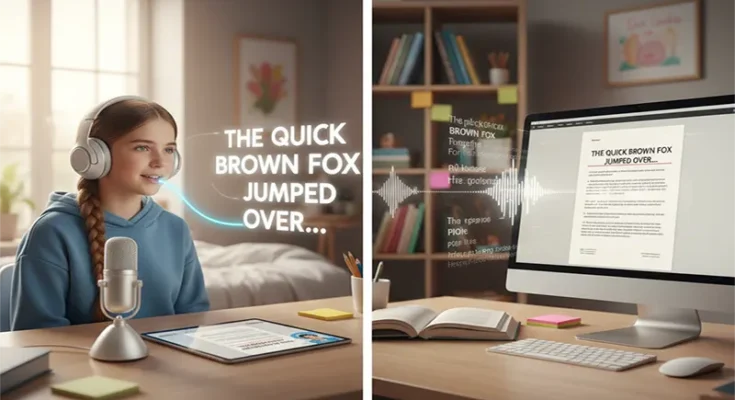
How to Use AI Speech-to-Text Tools for Students with Dyslexia
For students with dyslexia, the traditional writing process is often an exercise in frustration. The mental energy required to manage the mechanics—spelling, grammar, and syntax—frequently exhausts the “working memory,” leaving little room for the high-level critical thinking and creativity that these students often possess in abundance.
In 2026, AI Speech-to-Text (STT) has evolved from simple dictation into a sophisticated “cognitive bypass.” It allows students to move their ideas from mind to screen without the friction of the keyboard. This guide outlines how to leverage these tools to build a seamless, neuro-inclusive academic workflow.
1. The 2026 AI Landscape: From Dictation to Context
We have moved past “Dictation 1.0,” where students had to bark commands like “New Paragraph” or “Period.” Modern Context-Aware AI 2.0 tools understand natural speech patterns and automatically handle formatting.
- Universal Integration: Tools like Wispr Flow and Willow now work across every application on a device (Mac, Windows,